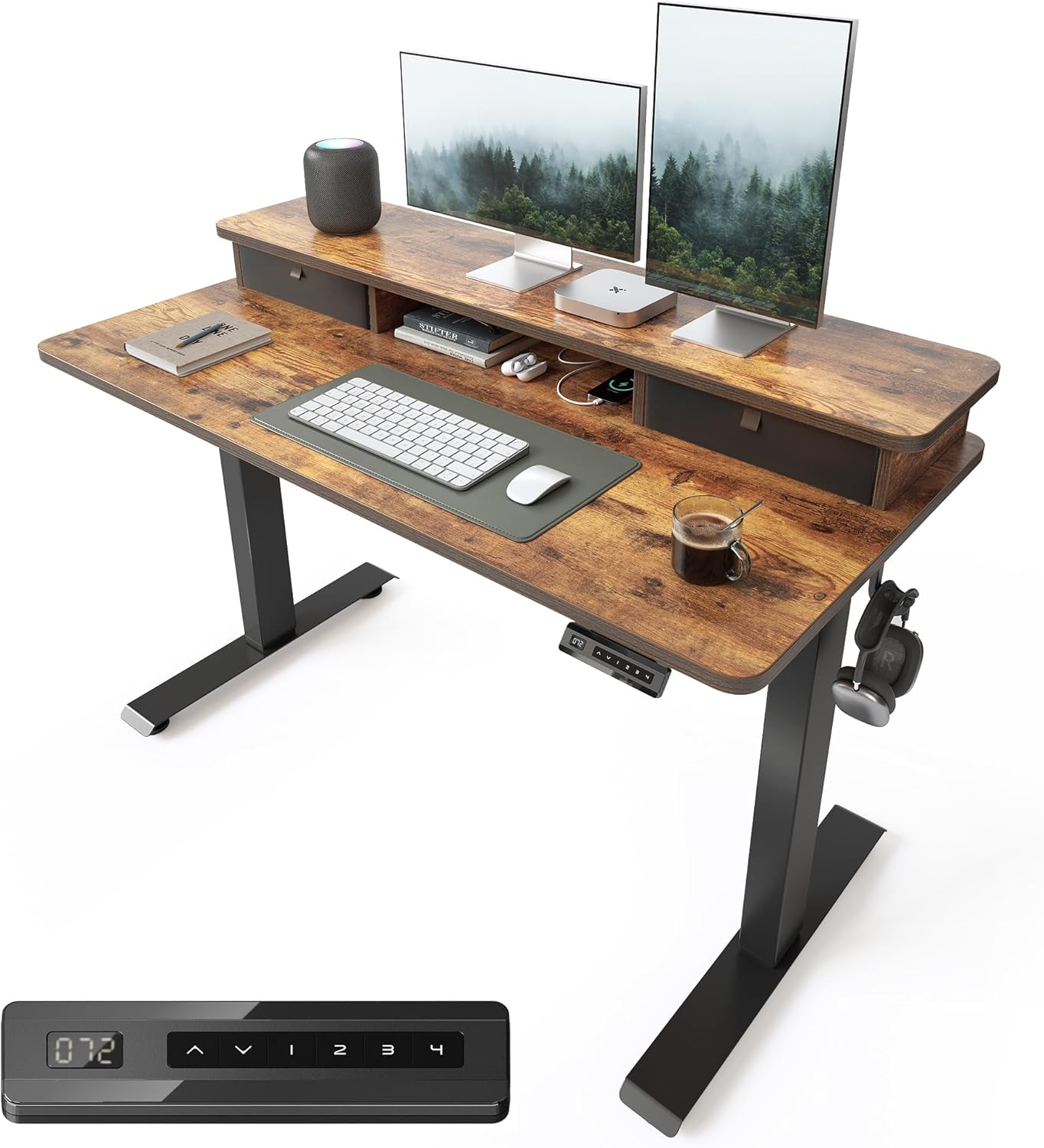
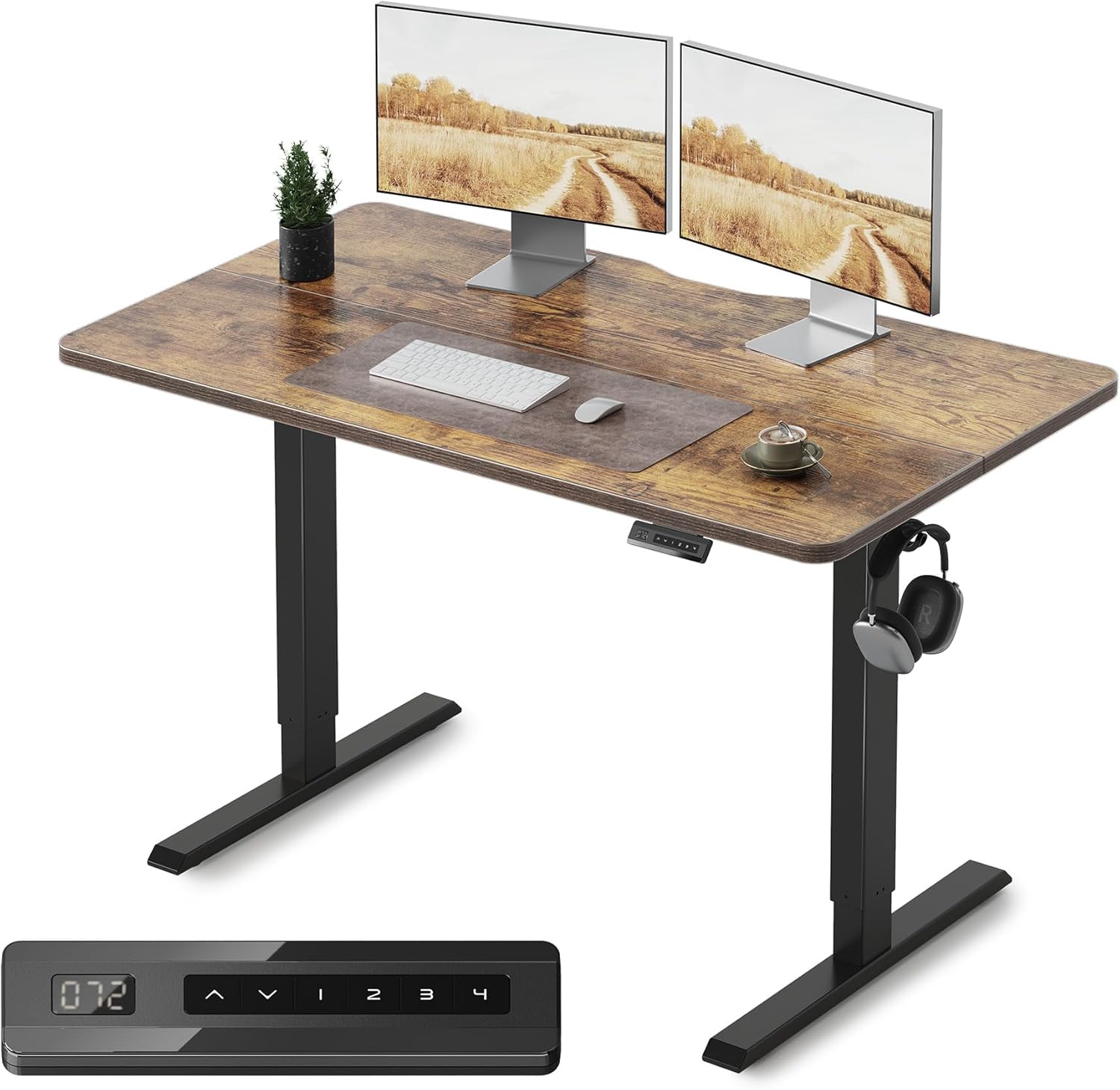
Best Standing Desks (2026)
Electric and manual height-adjustable standing desks for ergonomic home and office setups.
4 products tested and compared
How to Choose the Right Standing Desk
Standing desks have moved from a niche ergonomic curiosity to a mainstream home office purchase — and with good reason. The evidence supporting posture variety and the dangers of prolonged static sitting is compelling. But a standing desk is a significant piece of furniture, and the options range from excellent to genuinely terrible. Getting the specification wrong — too small a desktop, a motor that gives up after a year of daily use, or a height range that does not suit your body — is an expensive mistake. This guide will help you avoid it.
Motor Type: Single vs Dual Column
The motor system is the most mechanically important decision you will make when buying an electric height-adjustable desk. It determines how smoothly and reliably the desk raises and lowers, how much weight it can carry, and how long it will last.
Single-column legs use one motor in one of the desk's two legs. The motor drives the movement, and the second leg follows passively. Single-column systems are adequate for lighter loads and occasional height adjustment — say, two or three transitions per day carrying a single monitor and a laptop. They are less expensive to manufacture and therefore appear more often at the lower end of the market. The downsides are a higher risk of wobble at standing height (particularly at the upper limits of the height range), lower weight capacity, and a higher likelihood of drift over time where one side of the desk surface is slightly higher than the other due to uneven passive movement.
Dual-column (or dual-motor) legs have an independent motor in each leg, with the two motors synchronised electronically. This produces more even, stable lifting, significantly higher weight capacity, and far less wobble at standing height. The desk rises and lowers as a level, rigid unit rather than one leg driving the other. For any desk carrying multiple monitors, external hardware, a desktop computer, or heavy equipment, a dual-column system is not a luxury — it is a necessity. At the price points reviewed here, dual-column systems are standard in mid-range and premium tiers.
When comparing specifications, also check the motor speed (typically 25–40 mm per second — faster feels more satisfying), the noise level during operation (measured in decibels — under 50 dB is quiet; over 60 dB becomes intrusive in a shared space), and the duty cycle, which is the percentage of time the motor can operate without risk of overheating. A low duty cycle (5–10%) means the desk needs rest periods between movements — fine for occasional adjustment, frustrating if you transition frequently throughout the day.
Height Range: Getting the Numbers Right
This is the specification that determines whether the desk will actually work for your body. It is also the one most commonly overlooked until the desk arrives and the buyer discovers they cannot sit comfortably at the minimum height.
Minimum sitting height is the desk surface height when the desk is fully lowered. Standard desks sit at approximately 73–75 cm. If you are of average or below-average height, or if you use the desk with a standard-height office chair without gas lift adjustment headroom, you need the minimum height to be close to 60–65 cm to sit with your elbows comfortably at desk level and your feet flat on the floor. A standing desk with a minimum height of 72 cm will be uncomfortably high for shorter users as a sitting desk.
Maximum standing height needs to accommodate your standing posture with elbows at a comfortable 90-degree angle. For most people of average height (around 175 cm), a maximum of 118–120 cm is sufficient. Taller users — above 190 cm — should look for desks with maximums of 125 cm or beyond.
The practical check: look up an ergonomic desk height calculator online, input your height, and note the recommended sitting and standing desk heights. Then check that the desk you are considering covers both figures within its adjustment range. This five-minute exercise will save you significant frustration.
Weight Capacity
Every height-adjustable desk specifies a maximum load capacity — the total weight of everything placed on the surface. Manufacturers tend to be optimistic with these figures, and real-world performance (particularly wobble at standing height under load) degrades well before the nominal maximum is reached.
As a practical guide, assume you need 20–30% headroom above your calculated equipment weight. A typical home office setup — two monitors on arms, a laptop, keyboard, mouse, a monitor light bar, and a few desk accessories — can easily reach 20–25 kg. Add a desktop tower and you are past 30 kg. A desk rated for 80 kg on a dual-column system will handle this without stress. A desk rated for 50 kg on a single-column system may wobble noticeably at standing height under the same load.
Desktop Size and Material
The desktop surface is the component you interact with every single waking hour you spend at the desk — do not underestimate its importance.
Size: The most common mistake is buying a desktop that is too small. If you are replacing a traditional desk, measure your current work surface and note whether you regularly find yourself wishing for more space. For most people, 140 cm wide is the comfortable minimum for dual-monitor setups with keyboard and mouse. 160 cm is generous and comfortable for a primary work setup. 120 cm can feel tight with anything beyond a laptop and a single small monitor.
Depth (front to back) affects monitor placement — you want monitors sitting at arm's length, which typically means 60–80 cm of desk depth. Less than 60 cm pushes monitors too close to your eyes.
Material: Most standing desk tops fall into three categories. Laminate over MDF (the most common and most affordable) is durable, easy to clean, and available in a wide range of finishes. It is not solid wood and cannot be sanded or refinished, but for an office desk that will primarily have a keyboard and monitors on it, the practical difference to solid wood is minimal. Solid or engineered wood tops are heavier, more expensive, and genuinely beautiful, but they add weight to the desk's load capacity calculation and require slightly more care. Bamboo is a popular mid-point — harder than most hardwoods, sustainably sourced, and distinctive in appearance.
Surface texture: A smooth, matt laminate surface provides good mouse tracking without a mousepad. A highly glossy surface looks impressive initially but shows every scratch and mark, and can be problematic for mouse optical sensors. Some desks include a full-surface desk mat — a nice addition that extends surface life and wrist comfort.
Memory Presets
All but the most basic electric standing desks include programmable memory presets — typically two to four — that allow you to return the desk to your exact sitting or standing height with a single button press rather than holding the adjustment button and watching the desk inch upward.
This sounds like a minor convenience, but in practice it dramatically increases how often you actually change height during the day. Without presets, the friction of manual adjustment means most people leave the desk at one height for hours. With presets, transitioning between sitting and standing takes two seconds, and you are far more likely to actually use the standing function.
Look for desks with at least two memory presets (sitting height and standing height). Four presets are better if multiple people share the desk.
Cable Management
A standing desk raises and lowers by up to 50 cm or more. Every cable connecting your monitors, speakers, docking stations, and peripherals has to accommodate that movement. Without adequate cable management, you will rapidly end up with a cascading tangle of cables that pulls on connections, creates trip hazards, and looks awful.
Good cable management on a standing desk typically includes cable routing holes or grommets in the desktop surface, an under-desk cable tray (a mesh or solid channel that runs the length of the desk holding power strips and bundled cables), and cable clips or spine systems to gather slack cables neatly as the desk moves.
When buying, check what cable management hardware is included versus what needs to be purchased separately. Under-desk cable trays are often an optional add-on — factor the cost into your budget if the desk does not include one.
Anti-Collision
Anti-collision systems use sensors (typically current sensing or physical sensors) to detect unexpected resistance during movement and immediately stop and reverse the desk's direction. This is a safety feature that prevents the desk from crushing a chair back, a pet, or a child who wanders beneath it during operation.
At the mid-range and premium tier, anti-collision is standard. At budget tiers, it is sometimes absent. If you have children or pets in your workspace, or if the desk will be in a high-traffic area, treat anti-collision as essential rather than optional.
Common Mistakes to Avoid
Buying too small a desktop. More people regret buying a small desk than a large one. Measure your current workspace, consider what a multi-monitor setup requires, and if in doubt go larger. A standing desk is a piece of furniture you will live with for years.
Ignoring minimum height for sitting. Read the sitting height specification carefully, cross-reference against your own ergonomic requirements, and do not assume "it will be fine." This is particularly important for users below 168 cm.
Cheap motors with low duty cycle. A standing desk that requires a cool-down period between each height adjustment, or whose motor begins to strain and drift after six months of daily use, is one of the most frustrating pieces of office furniture you can own. Read long-term reviews (twelve months or more of use) before committing.
Forgetting monitor arm clearance. If you use monitor arms (and you should — they dramatically improve ergonomics and desk space), check that the monitor arm clamp is compatible with the desk's edge thickness and profile. Some standing desks have thick or tapered edges that limit monitor arm options. Similarly, ensure you have wall clearance at maximum standing height if using wall-mounted monitor arms.
Not considering the desk's footprint at different heights. At minimum height the legs may splay differently to maximum height. Check the minimum and maximum footprint dimensions, not just the desktop size, to ensure the desk fits your room configuration at all heights.
Price Tiers
Budget (under £180): Typically single-column (single-motor) systems with basic control panels and limited presets. Desktop options are narrower. Weight capacity is lower, wobble at standing height is more noticeable, and long-term motor reliability is a concern. Suitable for lighter use cases — a single monitor, laptop, and occasional adjustment — but not recommended for heavy-duty professional use.
Mid-range (£180–£300): Dual-column systems become standard at this tier, along with memory presets, better cable management options, and wider desktop size choices. Motor quality improves markedly. The right choice for most home office users with a standard multi-monitor setup and regular height transitions throughout the working day.
Premium (£300+): The best motor systems with the highest weight capacities, quietest operation, fastest movement speeds, and most sophisticated anti-collision sensors. Desktop material and finish options are broader, including solid wood and bamboo. Longer warranties are common. Justified for heavy equipment setups, tall users who need maximum height range, or buyers who want furniture-grade quality and longevity.
Specific Buying Advice
How much do you actually stand? Be honest with yourself. If you have bought a standing desk before and used it for a week before returning to sitting all day, a basic single-motor desk with two presets may serve your realistic behaviour. If you genuinely transition four or more times per day, invest in a dual-motor system with faster operation.
Do you need drawers or storage? Most height-adjustable desks are flat surfaces with no integrated storage. If you need drawers, look specifically for models with an optional drawer unit that attaches under the desktop and moves with the desk — a fixed pedestal beside the desk is a more common workaround but limits placement flexibility.
Multi-monitor or heavy equipment setup? Dual-column is non-negotiable. Check weight capacity with 20–30% headroom above your actual equipment weight. Prioritise wobble stability at standing height — this is where single-motor desks consistently fail under load.
Sharing the desk with a partner or flatmate of significantly different height? Four memory presets are worthwhile. Ensure the height range covers both users' ergonomic requirements simultaneously.
Home office aesthetic matters? The desktop material, edge profile, and leg colour have a significant impact on how the desk looks in the room. Many manufacturers offer a range of finishes — it is worth taking the time to choose one that complements your existing furniture rather than defaulting to white or black.
A quality standing desk is not something you replace every few years — it is furniture. Buy for your real setup, your real body measurements, and your real working habits, and you will use it comfortably every working day for many years.

FlexiSpot
FlexiSpot E7 Electric Standing Desk
The FlexiSpot E7 combines a dual-motor system with practical features like anti-collision technology and four memory presets, making it a capable standing desk for long workdays. At £399.99, it commands a premium over cheaper FEZIBO alternatives, but delivers noticeably better build quality and performance.